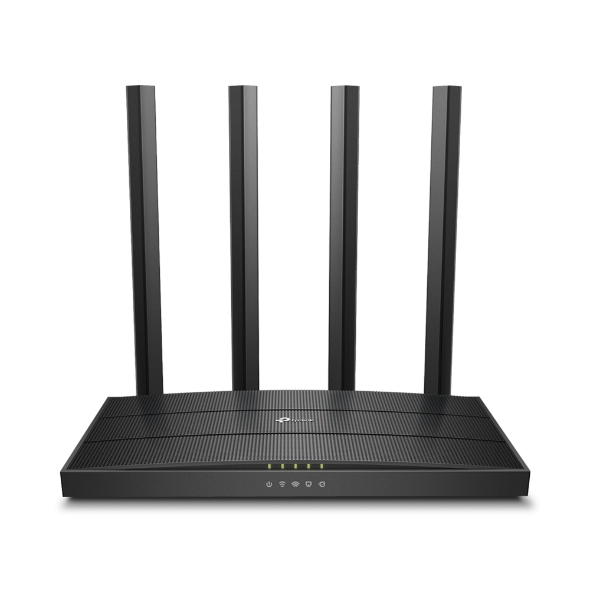
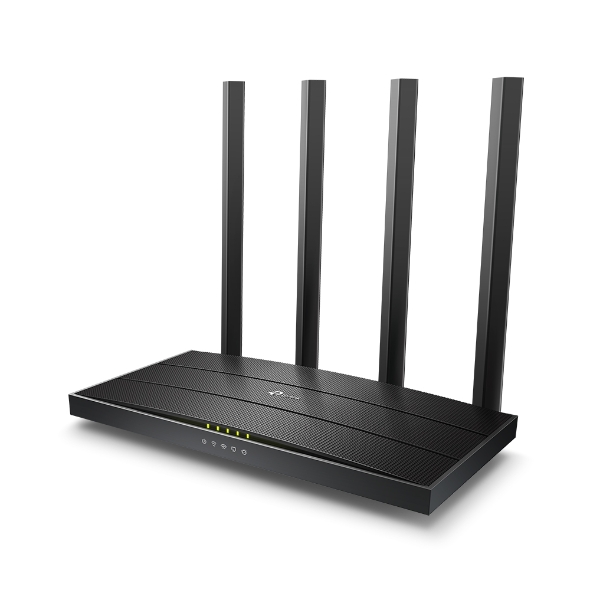
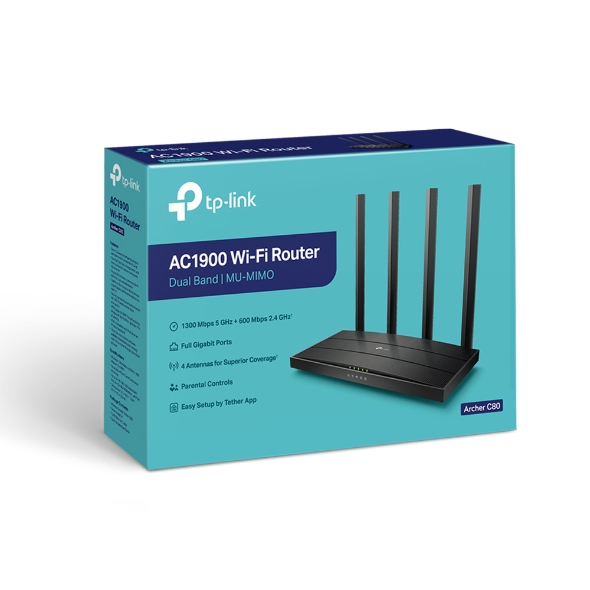
AC1900 MU-MIMO Wi-Fi Router
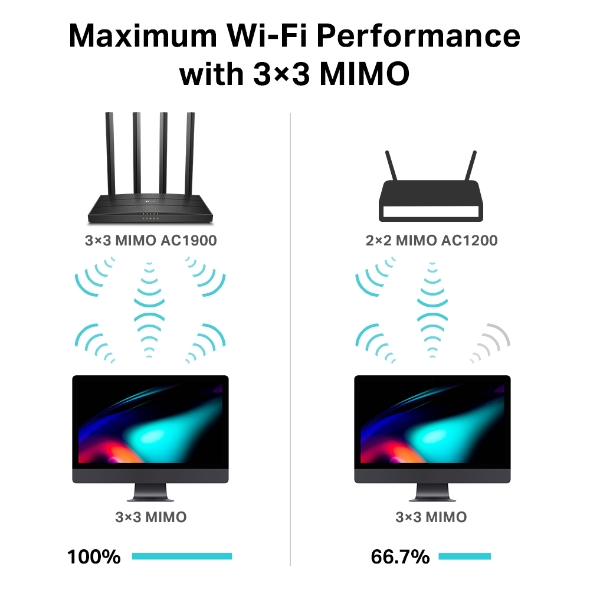
With 3×3 MIMO, Archer C80 is capable of transmitting and receiving data on three streams. 3×3 capable computers— like Macs—pair perfectly with C80 to perform at max with much higher efficiency than 2×2 MIMO routers.
Archer C80 delivers high-performance and affordable home Wi-Fi with total speeds up to 1900 Mbps. Handle simple tasks like sending e-mails or web browsing on the 2.4 GHz band and bandwidth-intensive tasks like online gaming or 4K/8K UHD streaming on the 5 GHz band—all lag-free.
Access your entertainment from every corner of your home with 4 external high-performance antennas. Beamforming technology detects devices and concentrates wireless signal strength towards them, even if they are far away or low-powered.
OneMesh™ is a simple way to form a Mesh network with a single Wi-Fi name for seamless whole-home coverage. Just connect a OneMeshTM range extender to a OneMesh™ router. No more searching around for a stable connection.
Learn More about OneMesh™ >>
Eliminate weak signal areas with Wi-Fi coverage for the whole house
Uninterrupted streaming when moving around your home
No more switching Wi-Fi network names
Manage the whole-home Wi-Fi by managing the central node via Tether app/Web UI
Archer C80 helps your devices achieve optimal performance by making communication more efficient with MU-MIMO technology. Multiple devices are able to send and receive data on the best available band. Enjoy non-stop entertainment on all your devices—lag free.
The latest Wi-Fi security protocol, WPA3, brings new capabilities to improve cybersecurity in personal networks. More secure encryption in Wi-Fi password safety and enhanced protection against brute-force attacks combine to safeguard your home Wi-Fi.
Learn more about WPA3 security>>
Smart Connect helps your router automatically switch each device's connection to the best available Wi-Fi band while Airtime Fairness prevents older devices from slowing down your network. With both, everyone can enjoy a smoother, lag-free W-Fi experience.
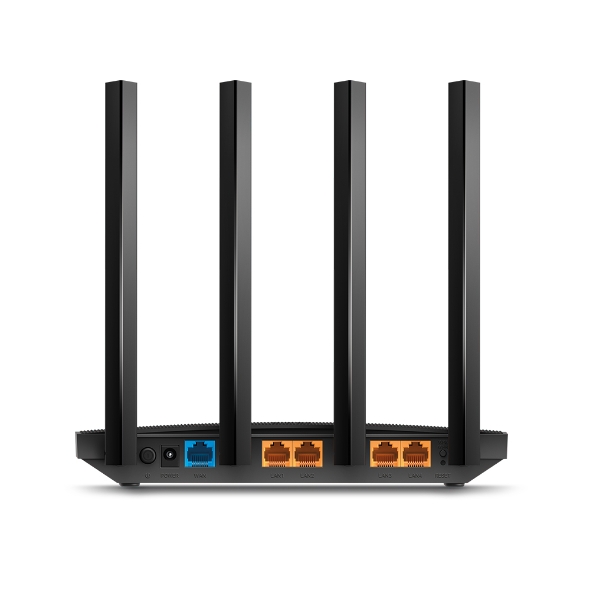
Gigabit Ethernet ports (1 WAN+ 4 LAN) deliver maximum wired speeds. Plug in your PCs, smart TVs, and game consoles for fast and reliable connections.
Archer C80 provides a wealth of advanced tools for personalized management.
Block inappropriate content and set daily limits for how much time your children spend online with Parental Controls.
Guest Network creates a separate Wi-Fi for guests, ensuring your privacy is secure.
Set up Archer C80 in minutes via its intuitive web interface or the powerful Tether app. Tether also lets you manage its network settings from any Android or iOS device.
Future-proof your network with IPv6 (Internet Protocol Version 6) support
Improve your IPTV streaming experience with IGMP Proxy/Snooping Bridge and Tag VLAN
Prioritizes devices to give faster performance where you need it
Receive software updates and control your router remotely through your cloud account
| Standards and Protocols |
Wi-Fi 5IEEE 802.11ac/n/a 5 GHzIEEE 802.11n/b/g 2.4 GHz |
| WiFi Speeds |
AC19005 GHz: 1300 Mbps (802.11ac)2.4 GHz: 600 Mbps (802.11n) |
| WiFi Range |
3 Bedroom Houses4× Fixed High-Performance AntennasMultiple antennas form a signal-boosting array to cover more directions and large areasBeamformingConcentrates wireless signal strength towards clients to expand WiFi range |
| WiFi Capacity |
MediumDual-BandAllocate devices to different bands for optimal performance3×3 MU-MIMOSimultaneously communicates with multiple MU-MIMO clientsAirtime FairnessImproves network efficiency by limiting excessive occupation |
| Working Modes |
Router ModeAccess Point Mode |
| Network Security |
SPI FirewallAccess ControlIP & MAC BindingApplication Layer Gateway |
| Guest Network |
1× 5 GHz Guest Network1× 2.4 GHz Guest Network |
| WiFi Encryption |
WPAWPA2WPA3WPA/WPA2-Enterprise (802.1x) |
| Processor |
1.2 GHz CPU |
| Ethernet Ports |
1× Gigabit WAN Port4× Gigabit LAN Ports |
| Buttons |
WPS/Wi-Fi ButtonPower On/Off ButtonReset Button |
| Power |
US Version12 V ⎓ 1.5 AEU Version12 V ⎓ 1 A |
| Protocols |
IPv4IPv6 |
| OneMesh™ |
OneMesh™ SupportedWithout replacing your existing devices or buying a whole new WiFi ecosystem, OneMesh™ helps you create a more flexible network that covers your entire home with TP-Link OneMesh™ products. Learn More>All OneMesh Products> |
| Parental Controls |
URL FilteringTime Controls |
| WAN Types |
Dynamic IPStatic IPPPPoEPPTPL2TP |
| Quality of Service |
QoS by Device |
| Cloud Service |
OTA Firmware UpgradeTP-Link IDDDNS |
| NAT Forwarding |
Port ForwardingPort TriggeringDMZUPnP |
| IPTV |
IGMP ProxyIGMP SnoopingBridgeTag VLAN |
| DHCP |
Address ReservationDHCP Client ListServer |
| DDNS |
TP-LinkNO-IPDynDNS |
| Management Features |
Tether AppWebpageCheck Web Emulator> |
| Network Services Enabled by Default |
Web ServerManage and configure device through web (HTTP/HTTPS)• Port: 80/443 Protocol: TCPDNSDNS• Port: 53 Protocol: TCP & UDPDHCP ServerIP address assignment (DHCP)• Port: 67 Protocol: UDPApp managementManage and configure device through app• Port: 20002 Protocol: UDPAlexa serviceDetect Alexa-enabled devices in the LAN• Port: 5353 Protocol: UDP |
| System Requirements |
Internet Explorer 11+, Firefox 12.0+, Chrome 20.0+, Safari 4.0+, or other JavaScript-enabled browserCable or DSL Modem (if needed)Subscription with an internet service provider (for internet access) |
| Certifications |
FCC, CE, RoHS |
| Environment |
Operating Temperature: 0℃~40℃ (32℉ ~104℉)Storage Temperature: -40℃~70℃ (-40℉ ~158℉)Operating Humidity: 10%~90% non-condensingStorage Humidity: 5%~90% non-condensing |
| WiFi Transmission Power |
CE:<20dBm(2.4GHz)<23dBm(5.15GHz~5.25GHz)FCC:<30dBm(2.4GHz & 5GHz) |
| WiFi Reception Sensitivity |
5GHz:11a 6Mbps:-98dBm, 11a 54Mbps:-78dBm11ac VHT20_MCS0:-98dBm, 11ac VHT20_MCS8:-72dBm11ac VHT40_MCS0:-92dBm, 11ac VHT40_MCS9:-68dBm11ac VHT80_MCS0:-89dBm, 11ac VHT80_MCS9:-64dBm2.4GHz:11g 6Mbps:-97dBm, 11a 54Mbps:-77dBm11n VHT20_MCS0:-97dBm, 11n VHT20_MCS8:-72dBm11n VHT40_MCS0:-92dBm, 11n VHT40_MCS9:-67dBm |
| Dimensions (W×D×H) |
8.5 × 4.6 × 1.26 in(215 × 117 × 32 mm) |
| Package Content |
Wi-Fi Router Archer C80Power AdapterRJ45 Ethernet CableQuick Installation Guide |