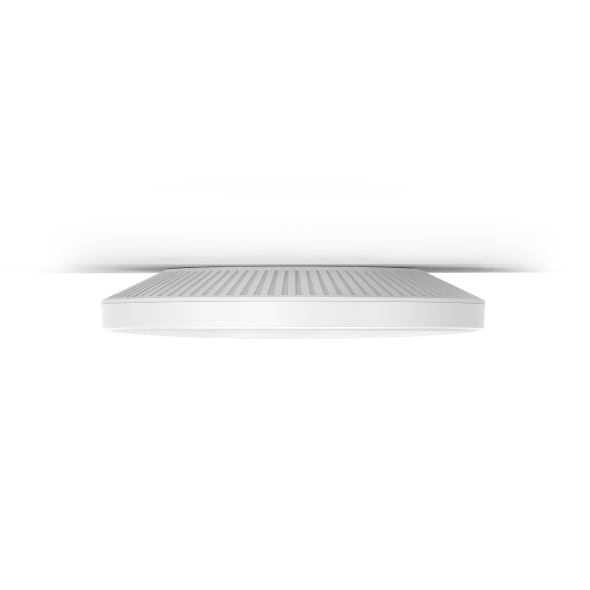
EAP787

EAP787

$419.99
Skip to product information
EAP787
Out of stock

EAP787

$419.99

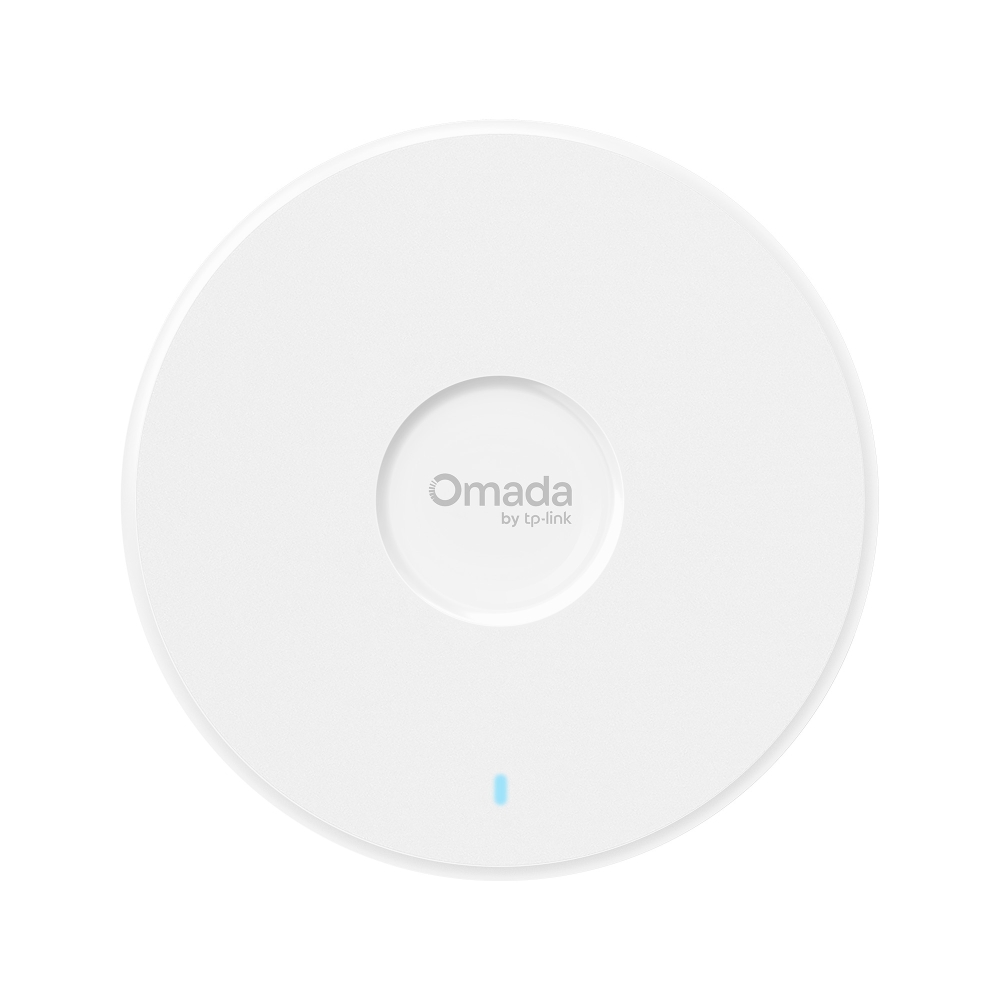
Omada BE15000 Ceiling Mount

Omada BE15000 Ceiling Mount TriBand WiFi 7 Access Point. PORT: 1 10G RJ45 Port. SPEED:688Mbps at 2.4 GHz + 8640 Mbps at 5 GHz+ 5760 Mbps at 6 GHz. FEATURE: 802.3bt POE++ and 12V DC Power Adapter is not included, 6 Internal Antennas, 8 Streams , Dedicated RF Scan, MUMIMO, 320MHz Supported, Seamless Roaming, Band Steering, Beamforming, Load Balance, Airtime Fairness, MLO, 4KQAM, Centralized

Omada EAP787 Tri Band Wi-Fi 7 IEEE 802.11 a/b/g/n/ac/ax/be 15 Gbit/s Wireless Access Point - Indoor

Tri-Band 8-Stream Wi-Fi 7 Wi-Fi Speeds up to 15.0 Gbps† Dedicated Spectral Analyzer Radio 1× 10/5/2.5/1 GbE Port Omada Mesh & Seamless Roaming△ Centralized Management Real-Time Tri-Band Spectral Analysis With a 10 GbE Ethernet port, EAP787 delivers exceptional multi-gigabit performance, including 5 GbE, 2.5 GbE, and 1 GbE, enabling higher bandwidth and faster Wi-Fi speeds. Compatibility with 802.3bt PoE is ideal for flexible deployment. Omada’s Software-Defined Networking (SDN) solution seamlessly integrates access points (APs), managed switches, and gateways, enabling 100% centralized cloud management for a highly scalable network.

Highlights

  • 4096-QAM for Higher Capacity
  • MLO for Lower Latency
  • WiFi 7 Supersized Throughput
  • Dedicated RF Scanning§
  • Secure Guest Network with up to 24 SSIDs
  • Boost Your Business with SMS Login
  • WPA3 for Worry-Free Open Public Networks
  • Rogue AP Detection
Fabricant TP-Link
Modèle EAP787
UPC 840460600231
Catégorie Mounts & Brackets — Brackets & Accessories
Poids 3.2 lbs
Dimensions (boîte) 10.2" × 11" × 3.6" (L×P×H)

Specifications

General

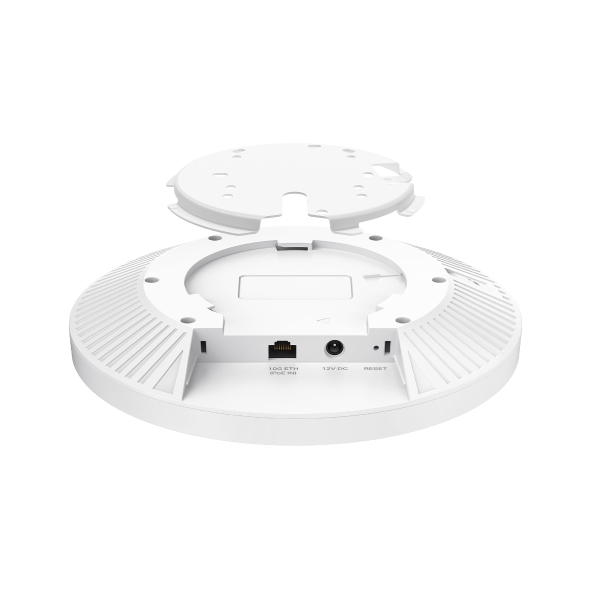
Interface 1× 10G/2.5G Ethernet Port
Button Reset
Power Supply • 802.3bt/at PoE• 12V/2.5A DCNote:DC Power adapter is not included. DC power interface: 12V, accepts 2.1 mm / 5.5 mm center-positive circular plug with 9 mm length.
Max. Power Consumption • 29 W (For PoE); • 24.5W (For DC)
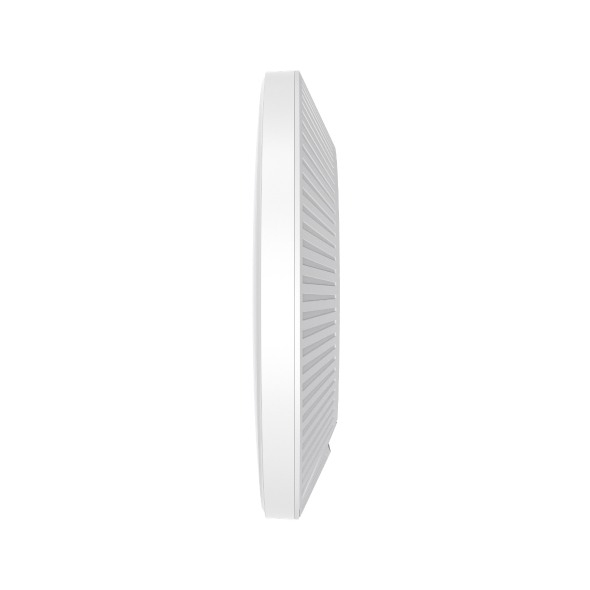
Dimensions ( W x D x H ) 8.7 × 8.7 × 1.5 in (220 × 220 × 38.8 mm)
Antenna • 2.4 GHz: 2× 4.0 dBi• 5 GHz: 4× 5.0 dBi • 6 GHz: 2× 5.0 dBi
Bluetooth 1 × 5 dBi (peak gain), Internal antenna module*Firmware update may be required.
Mounting Ceiling / Wall / Junction Box Mounting (Kits Included)
Coverage 2050 ft² (190 m²)*
Concurrent Clients 510+**
Wireless Standards IEEE 802.11 a/b/g/n/ac/ax/be
Frequency 6 GHz, 5 GHz, and 2.4 GHz
Signal Rate 688 Mbps (2.4 GHz) + 8648 Mbps (5 GHz) + 5765 Mbps (6 GHz)†
Wireless Functions • 320 MHz Bandwidth‡• MLO‡• 4K-QAM‡• Multi-RUs‡• Seamless Roaming(802.11k/v/r)• MU-MIMO‡• Mesh△• BSS Coloring‡• OFDMA‡• Load Balance• Band Steering• Beamforming• Airtime Fairness• Multiple SSIDS:24(8 on each band)• Wireless Schedule• Reboot Schedule• QoS(WMM)• Rate Limit• Static IP/Dynamic IP• RADIUS Accounting• MAC Authentication
Wireless Security • Captive Portal Authentication△• Access Control• Mac Filter• Wireless Isolation Between Clients• VLAN• Rogue AP Detection• WPA-Personal/Enterprise, WPA2-Personal/Enterprise, WPA3-Personal/Enterprise
Transmission Power 4-25 dBm (2.4 GHz)7-29 dBm (5 GHz, U-NII-1 & U-NII-3)7-26 dBm (5 GHz, U-NII-2A)7-24 dBm (5 GHz, U-NII-2C)4-23 dBm (6 GHz)
Omada App Yes
Centralized Management • Omada Central (Cloud-Based)• Omada Hardware Controller• Omada Software Controller
Cloud Access Yes. Require the use of an Omada controller.
Email Alerts Yes
LED ON/OFF Control Yes
Management MAC Access Control Yes
SNMP v1, v2c, v3
System Logging Local/Remote Syslog Yes
Web-based Management Yes
Certification CE, FCC, RoHS, IC
Package Content • EAP787• Installation Guide• Ceiling/Wall/Junction Box Mounting KitNote: Power Adapter is NOT included.
Environment • Operating Temperature: 0 °C–40 °C (32 °F–104 °F);• Storage Temperature: -40 °C–70 °C (-40 °F–158 °F);• Operating Humidity: 10%–90% non-condensing;• Storage Humidity: 5%–90% non-condensing;
ProductProductProductProductProductProduct
General
Interface 1× 10G/2.5G Ethernet Port
Button Reset
Power Supply • 802.3bt/at PoE• 12V/2.5A DCNote:DC Power adapter is not included. DC power interface: 12V, accepts 2.1 mm / 5.5 mm center-positive circular plug with 9 mm length.
Max. Power Consumption • 29 W (For PoE); • 24.5W (For DC)
Dimensions ( W x D x H ) 8.7 × 8.7 × 1.5 in (220 × 220 × 38.8 mm)
Antenna • 2.4 GHz: 2× 4.0 dBi• 5 GHz: 4× 5.0 dBi • 6 GHz: 2× 5.0 dBi
Bluetooth 1 × 5 dBi (peak gain), Internal antenna module*Firmware update may be required.
Mounting Ceiling / Wall / Junction Box Mounting (Kits Included)
Coverage 2050 ft² (190 m²)*
Concurrent Clients 510+**
Wireless Standards IEEE 802.11 a/b/g/n/ac/ax/be
Frequency 6 GHz, 5 GHz, and 2.4 GHz
Signal Rate 688 Mbps (2.4 GHz) + 8648 Mbps (5 GHz) + 5765 Mbps (6 GHz)†
Wireless Functions • 320 MHz Bandwidth‡• MLO‡• 4K-QAM‡• Multi-RUs‡• Seamless Roaming(802.11k/v/r)• MU-MIMO‡• Mesh△• BSS Coloring‡• OFDMA‡• Load Balance• Band Steering• Beamforming• Airtime Fairness• Multiple SSIDS:24(8 on each band)• Wireless Schedule• Reboot Schedule• QoS(WMM)• Rate Limit• Static IP/Dynamic IP• RADIUS Accounting• MAC Authentication
Wireless Security • Captive Portal Authentication△• Access Control• Mac Filter• Wireless Isolation Between Clients• VLAN• Rogue AP Detection• WPA-Personal/Enterprise, WPA2-Personal/Enterprise, WPA3-Personal/Enterprise
Transmission Power 4-25 dBm (2.4 GHz)7-29 dBm (5 GHz, U-NII-1 & U-NII-3)7-26 dBm (5 GHz, U-NII-2A)7-24 dBm (5 GHz, U-NII-2C)4-23 dBm (6 GHz)
Omada App Yes
Centralized Management • Omada Central (Cloud-Based)• Omada Hardware Controller• Omada Software Controller
Cloud Access Yes. Require the use of an Omada controller.
Email Alerts Yes
LED ON/OFF Control Yes
Management MAC Access Control Yes
SNMP v1, v2c, v3
System Logging Local/Remote Syslog Yes
Web-based Management Yes
Certification CE, FCC, RoHS, IC
Package Content • EAP787• Installation Guide• Ceiling/Wall/Junction Box Mounting KitNote: Power Adapter is NOT included.
Environment • Operating Temperature: 0 °C–40 °C (32 °F–104 °F);• Storage Temperature: -40 °C–70 °C (-40 °F–158 °F);• Operating Humidity: 10%–90% non-condensing;• Storage Humidity: 5%–90% non-condensing;

Contents not available.

Pour les questions fréquentes, consultez le centre d'aide Ubiquiti :

❓ Centre d'aide Ubiquiti

You may also like