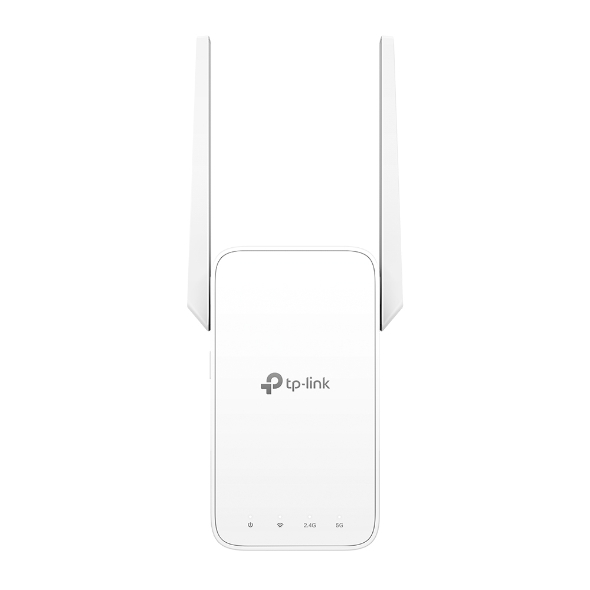
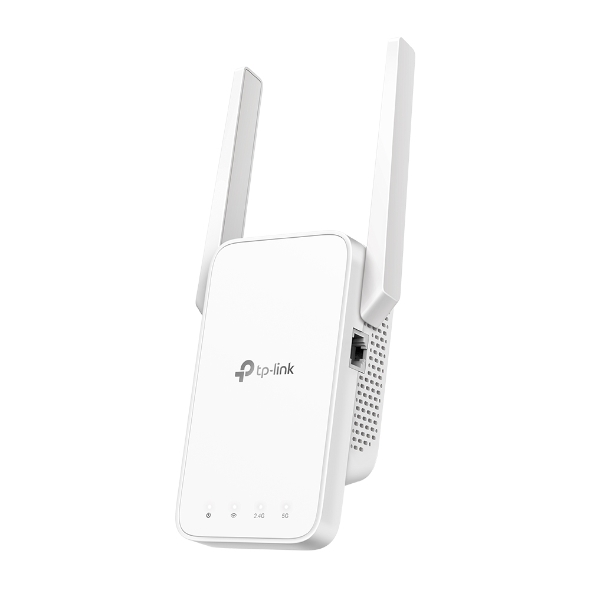
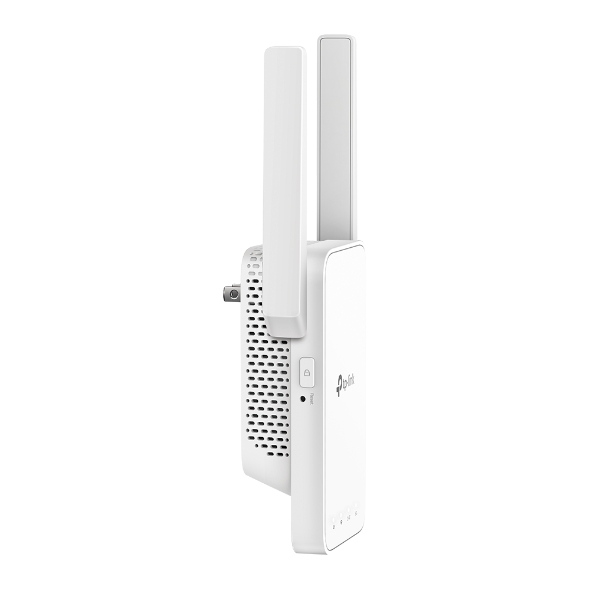
Dual-band Wi-Fi: 5 GHz: Up to 433 Mbps and 2.4 GHz: Up to 300 Mpbs. Built-In 2 2 MIMO dual band Access Point Mode. Compatible with Any WiFi Routers or wireless access point. Easy Setup by pushing the WPS button. Control with TP-Link Tether app.
Get notified when RE215 is back in stock.
No spam. One single email when the product is available.
You're all set! You'll receive an email as soon as the product is back in stock.
AC750 Mesh Wi-Fi Range Extendr
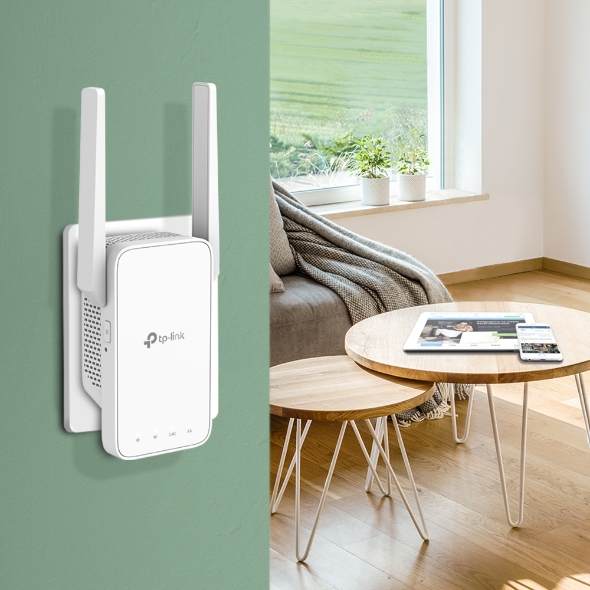
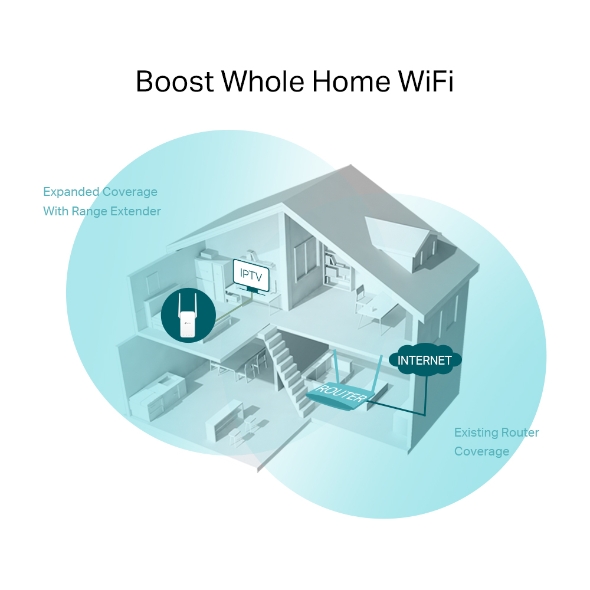
A single router has limited WiFi coverage and always causes WiFi dead zones. RE215 wirelessly connects to your existing router and expands its WiFi signal into areas it can’t reach on its own. Enjoy your stable network experience wherever you’re at your home.
With TP-Link Mesh Technology, it’s easy to form a Mesh network with a single WiFi name for seamless whole-home coverage. Just connect RE215 to a OneMesh™ router. Always enjoy the strongest WiFi when you’re walking around and no need searching around for a stable connection.
Learn more about OneMesh™
Want a Mesh network? Hesitate on whether to replace your existing router and buy a Mesh set? TP-Link OneMesh™ resolves your dilemma.
Check whether your existing router supports OneMesh™ >>
The RE215 delivers dual band (2.4GHz and 5GHz) to transmit WiFi signal, doubling the performance of single band. It enables you to keep more devices connected at the same time with its 2.4GHz 300 Mbps and 5GHz 433 Mbps dual bands, meeting all your different networking needs.
RE215 is more than a wireless range extender. Simply plug an Ethernet cable into its Ethernet port,and easily turn that wired internet connection into a 2×2 MIMO dual band wireless access point.
Step 1: Simply press the WPS button on your router and, within 2 minutes, the WPS button on RE215 to connect to the network Step 2: Once connected, place RE215 to the best location—without reconfiguration.
Notes: Please connect the extender to the router via the Tether app or Web UI if your router doesn’t support WPS.
RE215 is compatible with any of your existing Wi-Fi router or access point, making it easy to expand and strengthen your Wi-Fi network.
Set up and manage your Wi-Fi through the TP-Link Tether app from your smartphone (Android, iOS), including TP-Link routers and range extenders.
Wi-Fi Range Extender RE215Quick Installation Guide
System Requirements
Microsoft Windows 98SE, NT, 2000, XP, Vista™ or Windows 7, 8, 8.1, 10, MAC OS, NetWare, UNIX or Linux Internet Explorer 11, Firefox 12.0, Chrome 20.0, Safari 4.0, or other Java-enabled browser
Wi-Fi Range Extender RE215Quick Installation Guide
System Requirements
Microsoft Windows 98SE, NT, 2000, XP, Vista™ or Windows 7, 8, 8.1, 10, MAC OS, NetWare, UNIX or Linux Internet Explorer 11, Firefox 12.0, Chrome 20.0, Safari 4.0, or other Java-enabled browser