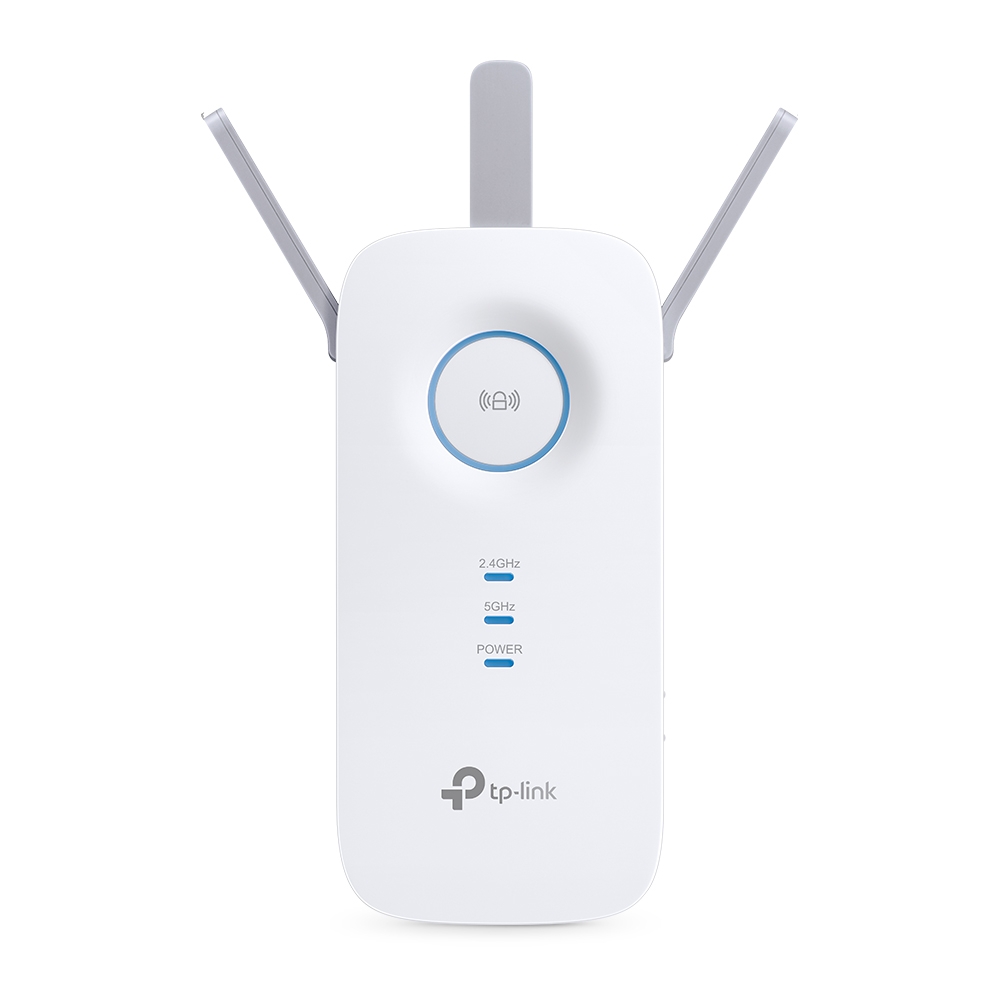
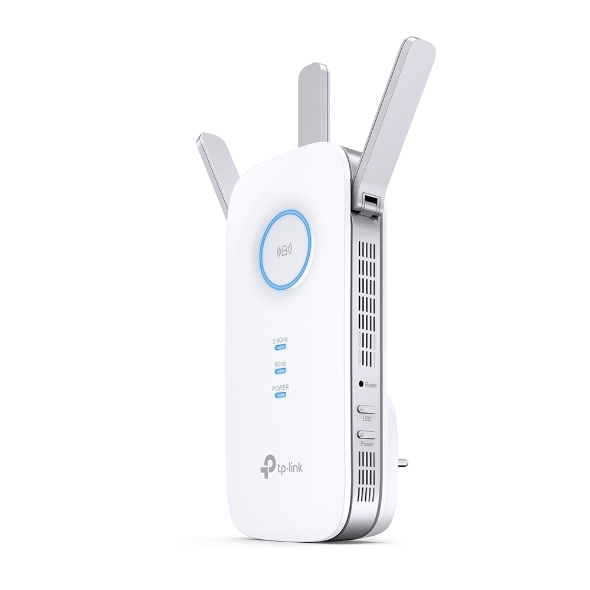
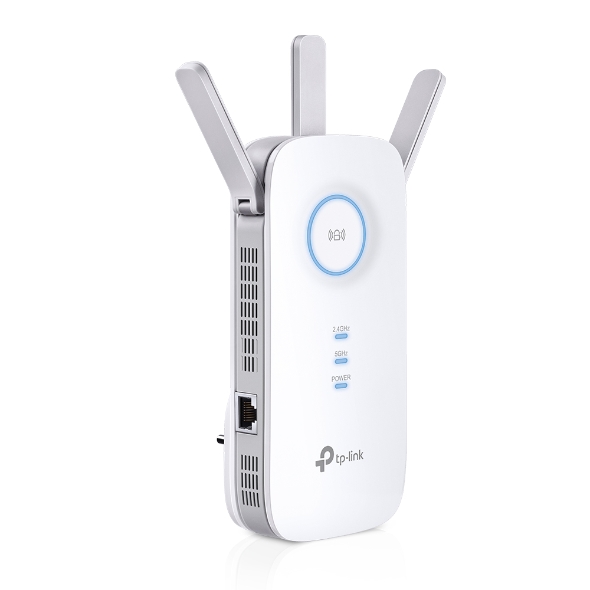
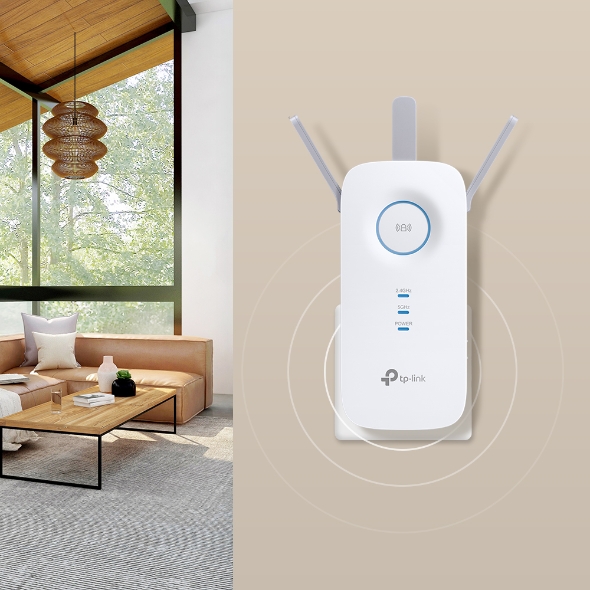
AC1900 Mesh Wi-Fi Range Extender. AC1900 Dual Band Wi-Fi - Simultaneous 600Mbps on 2.4GHz + 1300Mbps on 5GHz. Wi-Fi coverage by up to 12,000 sqft. 3 adjustable external antennas. Adaptive Path Selection. Built-In Access Point Mode. Manage by Tether app.
Get notified when RE550 is back in stock.
No spam. One single email when the product is available.
You're all set! You'll receive an email as soon as the product is back in stock.
AC1900 Mesh Range Extender
AC1900 Mesh Wi-Fi Extender
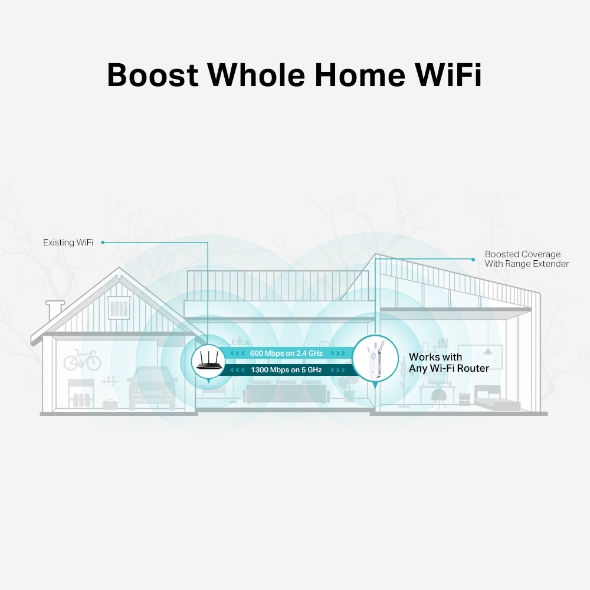
A single router has limited Wi-Fi coverage and always causes Wi-Fi dead zones. RE550 wirelessly connects to your existing router and expands its Wi-Fi signal into areas it can’t reach on its own. Enjoy your stable network experience wherever you are at home.
If you have any dead zones at home, just add another EasyMesh-compatible router to further form your whole home multi-gigabit mesh WiFi. No more searching for a stable connection.
Learn more about EasyMesh >
EasyMesh Devices
(Router + Range Extender)
Traditional Router
with Extender Wi-Fi
WiFi Dead Zone Killer
Eliminate weak signal areas with WiFi coverage for the whole house
Uninterrupted streaming when moving around your home§
No more switching WiFi network names
RE550 delivers dual band (2.4 GHz and 5 GHz) to transmit Wi-Fi signals, doubling the performance of each band. It enables you to keep more devices connected at the same time with its 600 Mbps 2.4 GHz and 1300 Mbps 5 GHz dual bands. Use the 2.4 GHz band to send email and browse the web and the 5 GHz band for gaming and HD streaming.†
Adaptive Path Selection keeps your network running at optimal speeds by automatically choosing the fastest connection path to the router. Always keep your devices fast and stable—ideal for network environments crowded with many devices and applications.
RE550 is more than a wireless range extender. Simply plug an Ethernet cable into its Ethernet port and easily turn your wired internet connection into a 3×3 MIMO dual band wireless access point.
Step 1: Simply press the WPS button on your router and, within 2 minutes, the WPS button on RE550 will connect to the network.
Step 2: Once connected, place RE550 at the best location—without reconfiguration.
Notes: Please connect the extender to the router via the Tether app or Web UI if your router doesn’t support WPS.
Set up and manage your Wi-Fi through the TP-Link Tether app from your smartphone (Android, iOS), including TP-Link routers and range extenders.
Fabricant
TP-Link
Modèle
RE550
UPC
840030701504
Catégorie
Networking Wireless Dual Band — Range Extenders
Poids
0.8 lbs
Dimensions (boîte)
8.1" × 5" × 3.4" (L×P×H)
Specifications
General
Plug Type
EU, UK, US, AU, KR, JP
Interface
1 Gigabit Ethernet Port
Button
WPS Button, Reset Button, LED Button, Power Button