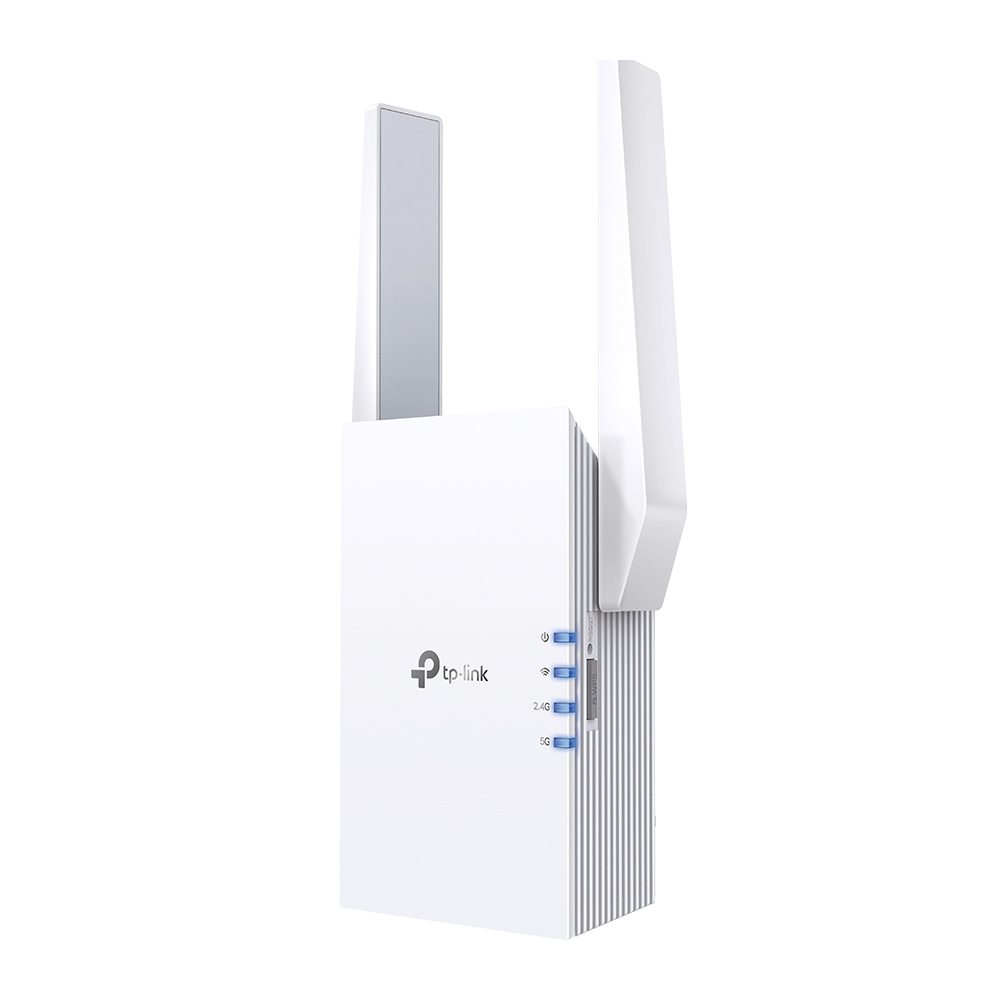
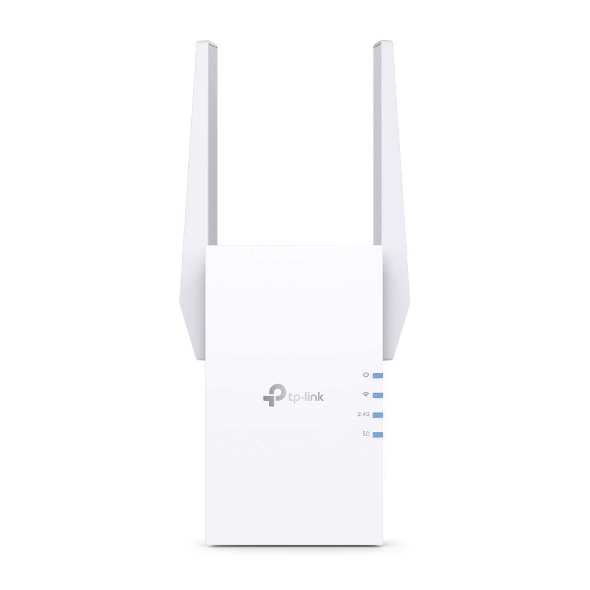
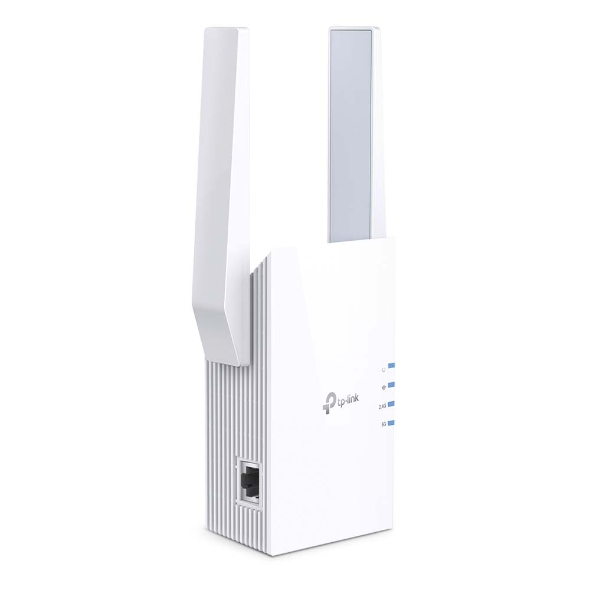
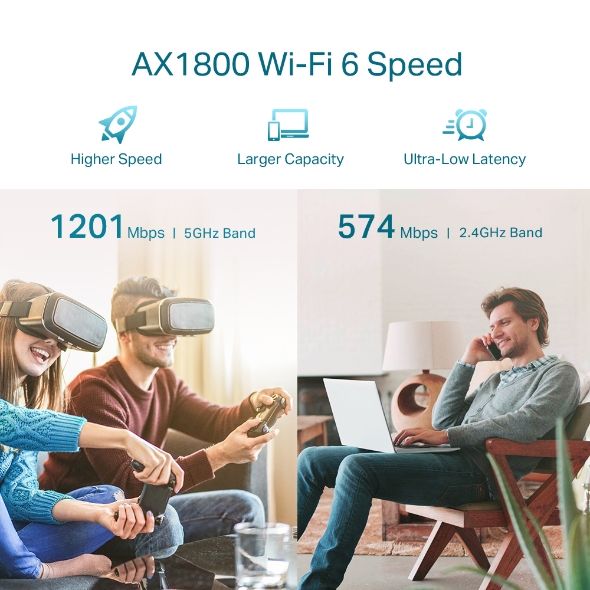
AX1800 Wi-Fi Range Extender. 574 Mbps at 2.4GHz, 1201 Mbps at 5GHz. WiFi 6 technology. 1 Gigabit Ethernet Port. Built-In Access Point Mode: 2 2 MU-MIMO dual band wireless access point. Easy access by TP-LINK Tether App. Creates a Mesh network by connecting to a OneMesh router for seamless whole-home coverage.
Get notified when RE605X is back in stock.
No spam. One single email when the product is available.
You're all set! You'll receive an email as soon as the product is back in stock.
AX1800 Wi-Fi Range Extender
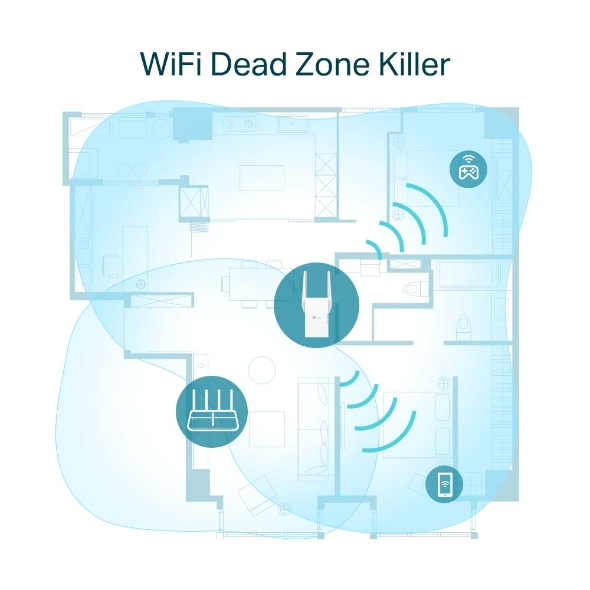
A single router has limited WiFi coverage and always causes WiFi dead zones. RE605X wirelessly connects to your existing router and boosts more WiFi signals throughout your home, allowing you to enjoy smooth WiFi 6 network experiences everywhere with great speed, capacity, and coverage.
The latest Wi-Fi 6 technology is built for today’s devices, eliminating lag, endless loading, and dead spots. It fully satisfies your network needs especially for bandwidth-intensive tasks like cloud gaming or 4K UHD video.
If you have any dead zones at home, just add another Easymesh-compatible router/WiFi extender to further form your whole home mesh WiFi. No more searching for a stable connection.◇
Learn more about EasyMesh >
EasyMesh Devices (Router + Range Extender)
Traditional Router with Extender Wi-Fi
WiFi Dead Zone Killer
Eliminate weak signal areas with WiFi coverage for the whole house
Uninterrupted streaming when moving around your home§
No more switching WiFi network names
RE605X is more than a wireless range extender. Simply plug an Ethernet cable into its Ethernet port, and easily turn your wired internet connection into a 2×2 MU-MIMO dual band wireless access point.
Set up and manage your Wi-Fi through the TP-Link Tether app from your smartphone (Android, iOS), including TP-Link routers and range extenders.
• Enable/Disable Wireless Radio• DFS (the latest firmware and hardware version is required)• Access Control• LED Control• Power Schedule• Wi-Fi Coverage Adjustment
Web ServerManage and configure device through web (HTTP/HTTPS)• Port: 80/443 Protocol: TCPDHCP ServerIP address assignment (DHCP)• Port: 67 Protocol: UDPApp managementManage and configure device through app• Port: 20001 Protocol: TCP• Port: 20002 Protocol: UDP
Certification
CE, RoHS
Package Content
• Wi-Fi Range Extender RE605X • Quick Installation Guide
System Requirements
Microsoft Windows 98SE, NT, 2000, XP, Vista™ or Windows 7, 8, 8.1, 10, MAC OS, NetWare, UNIX or Linux Internet Explorer 11, Firefox 12.0, Chrome 20.0, Safari 4.0, or other Java-enabled browser
• Enable/Disable Wireless Radio• DFS (the latest firmware and hardware version is required)• Access Control• LED Control• Power Schedule• Wi-Fi Coverage Adjustment
Web ServerManage and configure device through web (HTTP/HTTPS)• Port: 80/443 Protocol: TCPDHCP ServerIP address assignment (DHCP)• Port: 67 Protocol: UDPApp managementManage and configure device through app• Port: 20001 Protocol: TCP• Port: 20002 Protocol: UDP
Certification
CE, RoHS
Package Content
• Wi-Fi Range Extender RE605X • Quick Installation Guide
System Requirements
Microsoft Windows 98SE, NT, 2000, XP, Vista™ or Windows 7, 8, 8.1, 10, MAC OS, NetWare, UNIX or Linux Internet Explorer 11, Firefox 12.0, Chrome 20.0, Safari 4.0, or other Java-enabled browser