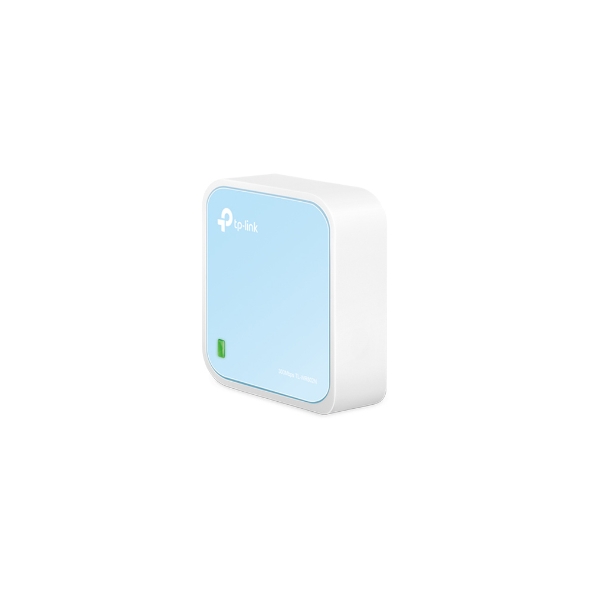
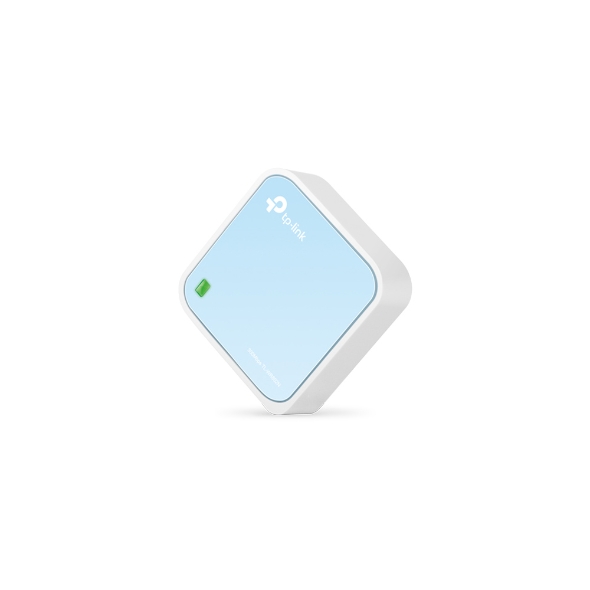
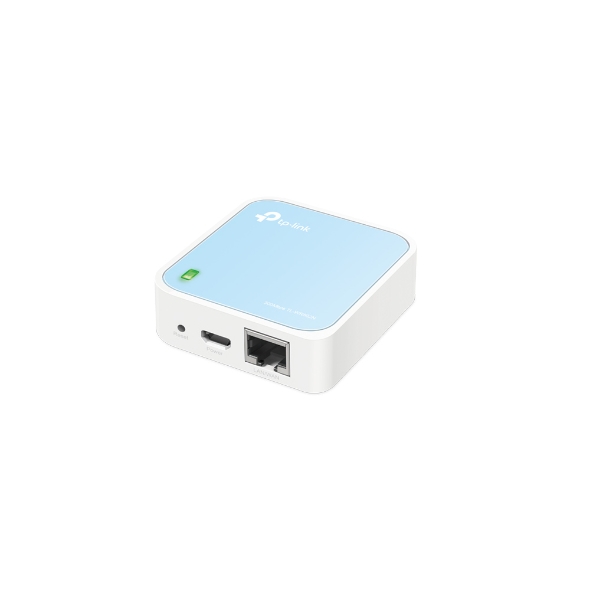
N300 Pocket AP Router, 2.4GHz, 802.11n/g/b, 1 Ethernet Port, 1 Micro USB port, Internal Antenna
Get notified when TL-WR802N is back in stock.
No spam. One single email when the product is available.
You're all set! You'll receive an email as soon as the product is back in stock.
N300 Pocket Router
To meet the wireless needs of almost any situation you might encounter, the TL-WR802N supports Router, Hotspot, Range Extender, Client and Access Point Modes.
Instantly create a private wireless network and share Internet access with multiple Wi-Fi devices. Ideal for setup in most hotels.
*Travel Streaming with Chromecast and Amazon Fire TV Stick Instantly Share Internet Connection during Travel.
Enjoy wireless Internet access by connecting to an outdoor WISP Access Point.
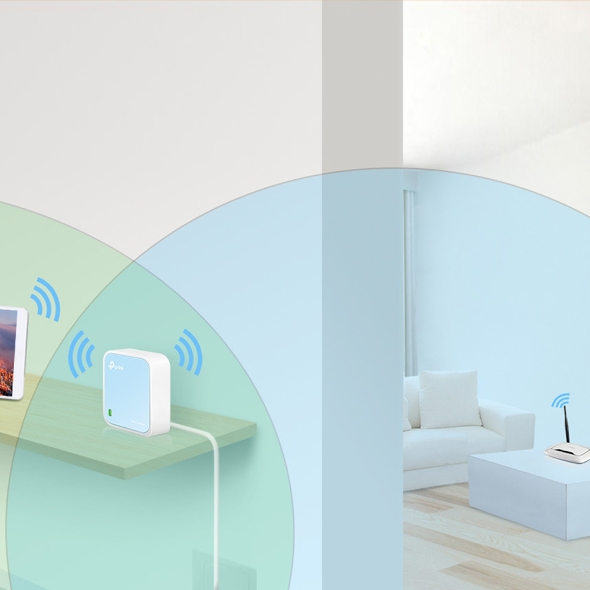
Extend existing Wi-Fi to improve signal strength and maximize coverage.
Router's Wi-Fi coverage
Extended Wi-Fi coverage
Allow devices that require a wired connection to access an existing Wi-Fi network.
Create a wireless network for Wi-Fi devices.
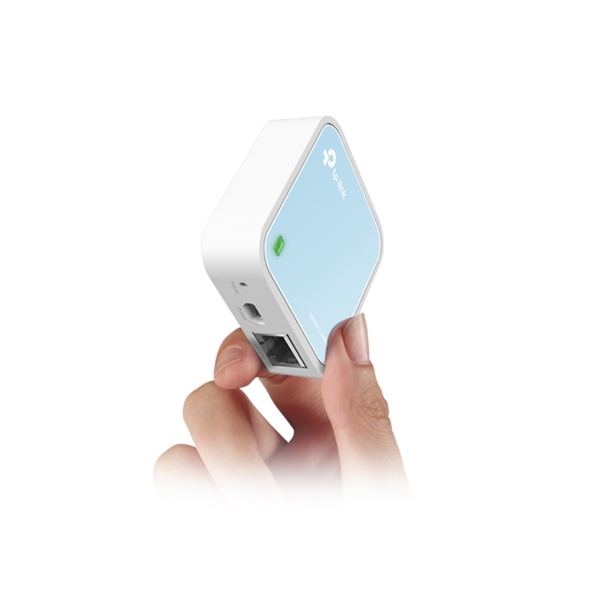
The TL-WR802N is the smallest wireless router in the world. It is very easy to use and is a perfect choice for travelers, students, and anyone else who lives life on the go.
The TL-WR802N can be powered using the included power adapter or using a smartphone /USB charger.
Powered by
Power Adapter
Powered by
Power Adapter
Powered by
Smartphone Charger
Fabricant
TP-Link
Modèle
TL-WR802N
UPC
845973071714
Catégorie
Networking Wireless Dual Band — Routers & Gateways
Poids
0.5 lbs
Dimensions (boîte)
4.5" × 4.4" × 2.9" (L×P×H)
Specifications
General
Standards and Protocols
Wi-Fi 4IEEE 802.11n/b/g 2.4 GHz
WiFi Speeds
N3002.4 GHz: 300 Mbps (802.11n)
WiFi Range
2 Bedroom Houses2× Fixed Antennas
WiFi Capacity
Legacy
Working Modes
Router ModeAccess Point ModeRange Extender ModeClient ModeHotspot Mode (WISP Mode)
Network Security
SPI FirewallAccess ControlIP & MAC BindingApplication Layer Gateway
Guest Network
1× 2.4 GHz Guest Network
WiFi Encryption
WEPWPAWPA2WPA/WPA2-Enterprise (802.1x)**Only Available in the Router and AP Modes.
Web ServerManage and configure device through web (HTTP/HTTPS)• Port: 80/443 Protocol: TCPDHCP ServerIP address assignment (DHCP)• Port: 67 Protocol: UDPApp managementManage and configure device through app• Port: 20001 Protocol: TCP• Port: 20002 Protocol: UDP
System Requirements
Internet Explorer 11+, Firefox 12.0+, Chrome 20.0+, Safari 4.0+, or other JavaScript-enabled browserCable or DSL Modem (if needed)Subscription with an internet service provider (for internet access)
Web ServerManage and configure device through web (HTTP/HTTPS)• Port: 80/443 Protocol: TCPDHCP ServerIP address assignment (DHCP)• Port: 67 Protocol: UDPApp managementManage and configure device through app• Port: 20001 Protocol: TCP• Port: 20002 Protocol: UDP
System Requirements
Internet Explorer 11+, Firefox 12.0+, Chrome 20.0+, Safari 4.0+, or other JavaScript-enabled browserCable or DSL Modem (if needed)Subscription with an internet service provider (for internet access)