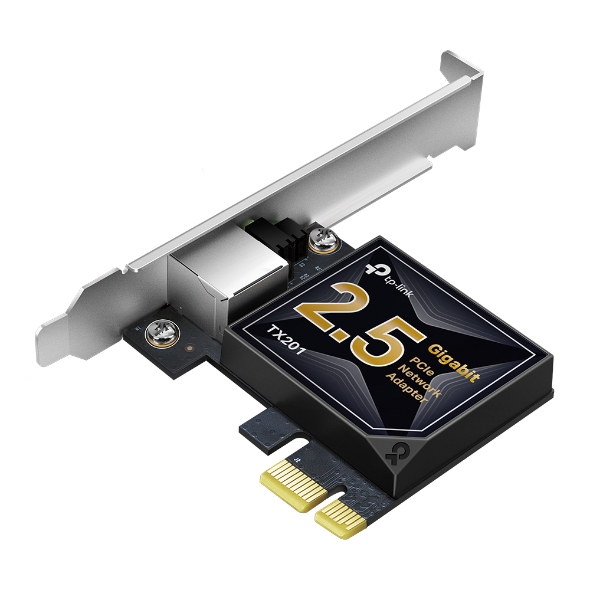
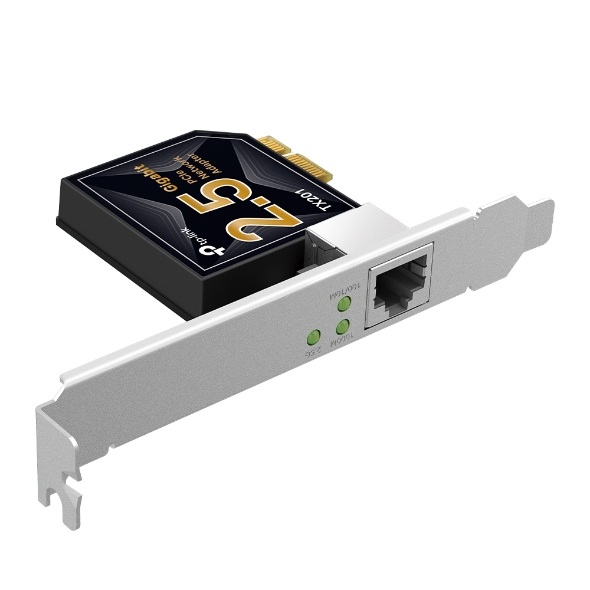
2.5 Gigabit PCI Express Network Adapter. PCIe 2.1 1, support 2.5/1 Gbps and 100 Mbps Network Standards
Get notified when TX201 is back in stock.
No spam. One single email when the product is available.
You're all set! You'll receive an email as soon as the product is back in stock.
TP-Link TX201 2.5Gigabit Ethernet Adapter
2.5 Gigabit PCIe Network Adapter
2.5 Gigabit Ethernet reaches blazing-fast data rates up to 2.5 billion bits per second—2.5× faster than standard Gigabit Ethernet. For bandwidth-intensive tasks, whether local data transfer or Internet access, the TX201 is up to the task.
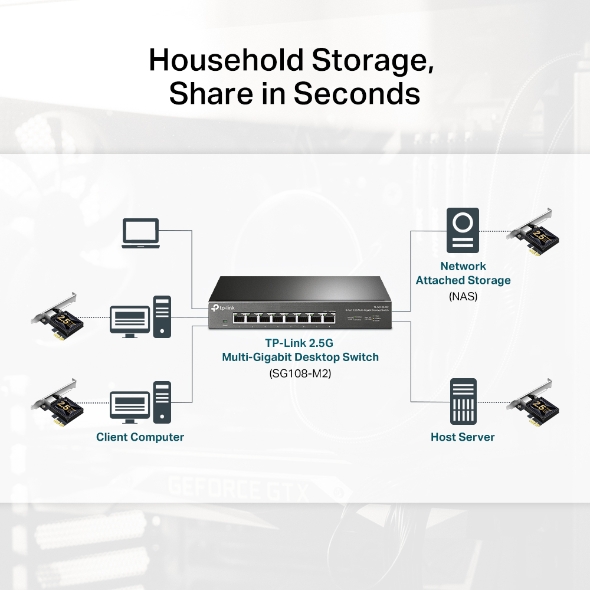
Lightning-Fast Local Data Transmissions
High Hardware Configuration for a Powerful Server
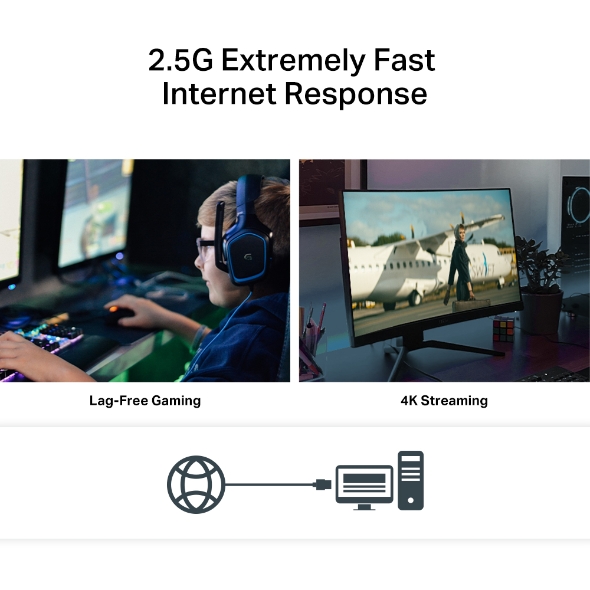
Make Full Use of Your High-Speed Internet Access
For local connections, a 2.5G PCIe adapter helps build a lightning fast transport channel between a central storage device and other working machines in your local network. Local data transmissions will be a breeze for you as you handle bandwidth-intensive tasks easily at your home or office.
TP-Link 2.5G
Multi-Gigabit Desktop Switch (SG108-M2)
Network
Attached Storage (NAS)
With 2.5 Gbps internet access, your gaming will be fully optimized with a large boost in speed, latency, and responsiveness. Large-sized game downloads, seamless live streaming, and massive data backups via the cloud are as easy as choosing your character.
2.5G Base-T is backwards compatible with multiple data rates, including 2.5 Gbps, 1 Gbps, 100 Mbps and 10 Mbps Base-T connectivity. The 2.5G Ethernet port automatically negotiates between higher and lower speed connections, allowing you to upgrade to 2.5G networking smoothly.
Quality of Service technology ensures enough bandwidth and avoids network congestion. Whether streaming or real-time gaming, enjoy a smooth web experience.
Remotely power on/off your computer with WOL, good for centralized management.
In addition to the standard bracket, a low-profile bracket is also provided for mini tower computer cases.
Simple software installation with the intuitive Utility on the provided CD.
Fully compatible with Windows 11/10/8.1/8/7, Windows Servers 022/2019/2016/2012 R2/2012/2008 R2, Linux.