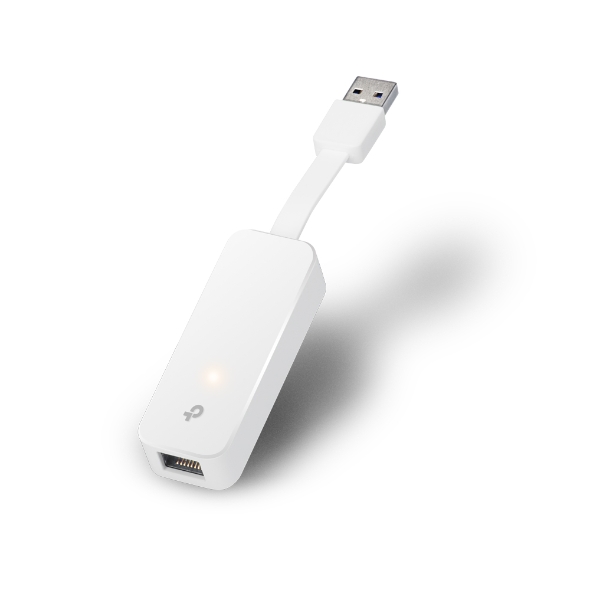
USB 3.0 to Gigabit Ethernet Adapter, 1 port USB 3.0 connector and 1 port Ethernet port
Get notified when UE300 is back in stock.
No spam. One single email when the product is available.
You're all set! You'll receive an email as soon as the product is back in stock.
USB 3.0 Gb Ethernet Adpt
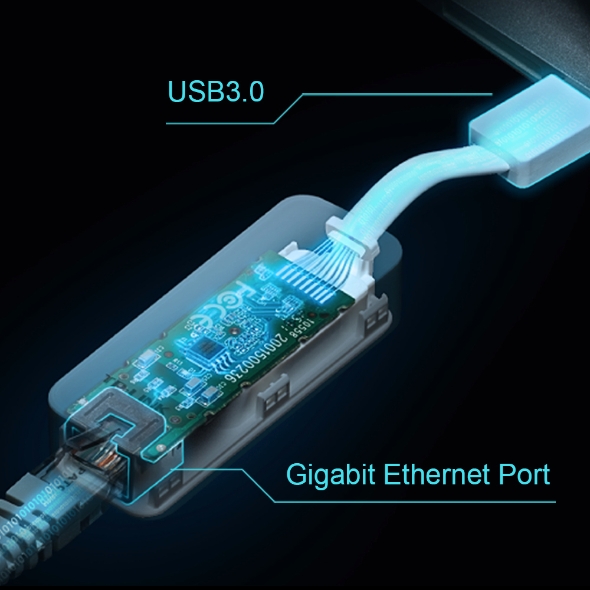
Equipped with a USB 3.0 port and Gigabit Ethernet port, UE300 provides a high-speed data transfer rate of up to 1000 Mbps.
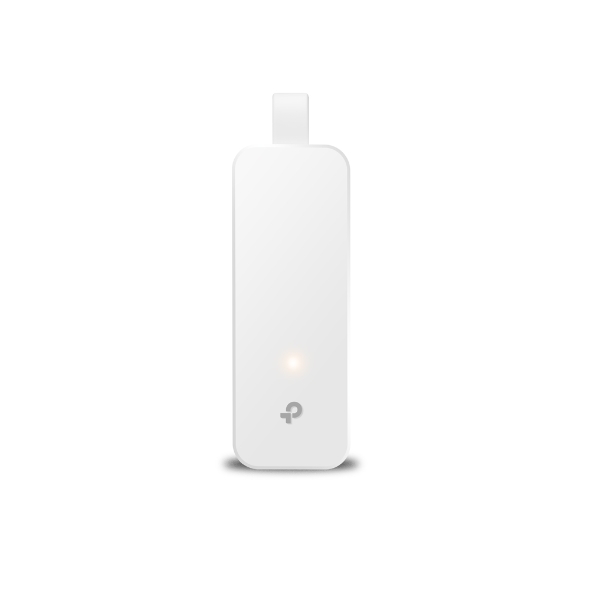
A nicely built compact-sized ethernet adapter makes it easier to store in your pocket.
An innovative folding design makes UE300 an ideal gadget on the go.
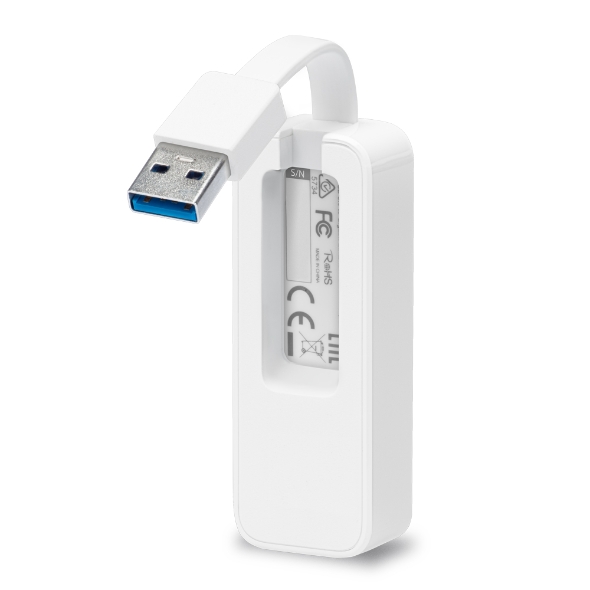
A foldable cord design enables a more convenient way for storage or traveling.
A nicely built compact-sized ethernet adapter makes it easier to store in your pocket.
An innovative folding design makes UE300 an ideal gadget on the go.
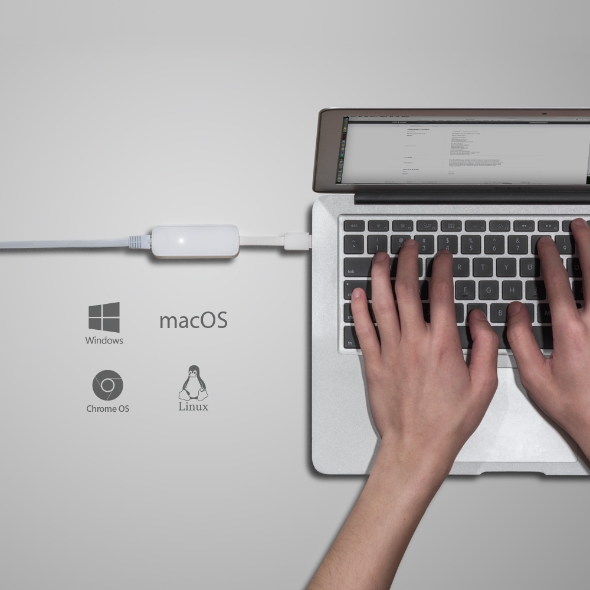
Driver Free Installation for Windows 11/10,
macOS 10.9 and later versions, Chrome OS and Linux OS.
Note: For Windows 8.1/8/7, macOS 10.6-10.8, a driver is required and needs to be downloaded on the TP-Link website.
UE300 adds Gigabit Ethernet network connectivity to those devices without an Ethernet LAN port, such as Ultrabook or MacBook Air, through a USB 3.0 port, also being compatible with USB 2.0 and USB1.1 standard.
Fabricant
TP-Link
Modèle
UE300
UPC
845973091743
Catégorie
Networking Wireless SingleBand — Adapters PCI
Poids
0.1 lbs
Dimensions (boîte)
6.9" × 3.3" × 0.8" (L×P×H)
Specifications
General
Supported Systems
Windows 11/10/8.1/8/7macOSChrome OSLinux OS
Output Interface
1 10/100/1000Mbps RJ45 Ethernet Port
Input Interface
1 USB 3.0 Port
Dimensions ( W x D x H )
2.8 x 1.0 x 0.6 in. (71 x 26 x 16.2mm)
Package Content
USB 3.0 to Gigabit Ethernet Network Adapter,
Quick Installation Guide
General
Supported Systems
Windows 11/10/8.1/8/7macOSChrome OSLinux OS
Output Interface
1 10/100/1000Mbps RJ45 Ethernet Port
Input Interface
1 USB 3.0 Port
Dimensions ( W x D x H )
2.8 x 1.0 x 0.6 in. (71 x 26 x 16.2mm)
Package Content
USB 3.0 to Gigabit Ethernet Network Adapter,
Quick Installation Guide
Contents not available.
Pour les questions fréquentes, consultez le centre d'aide Ubiquiti :